MongoDB Atlas Complete Guide Part 1 — What Is Atlas: Concepts, Architecture, and Why It Matters
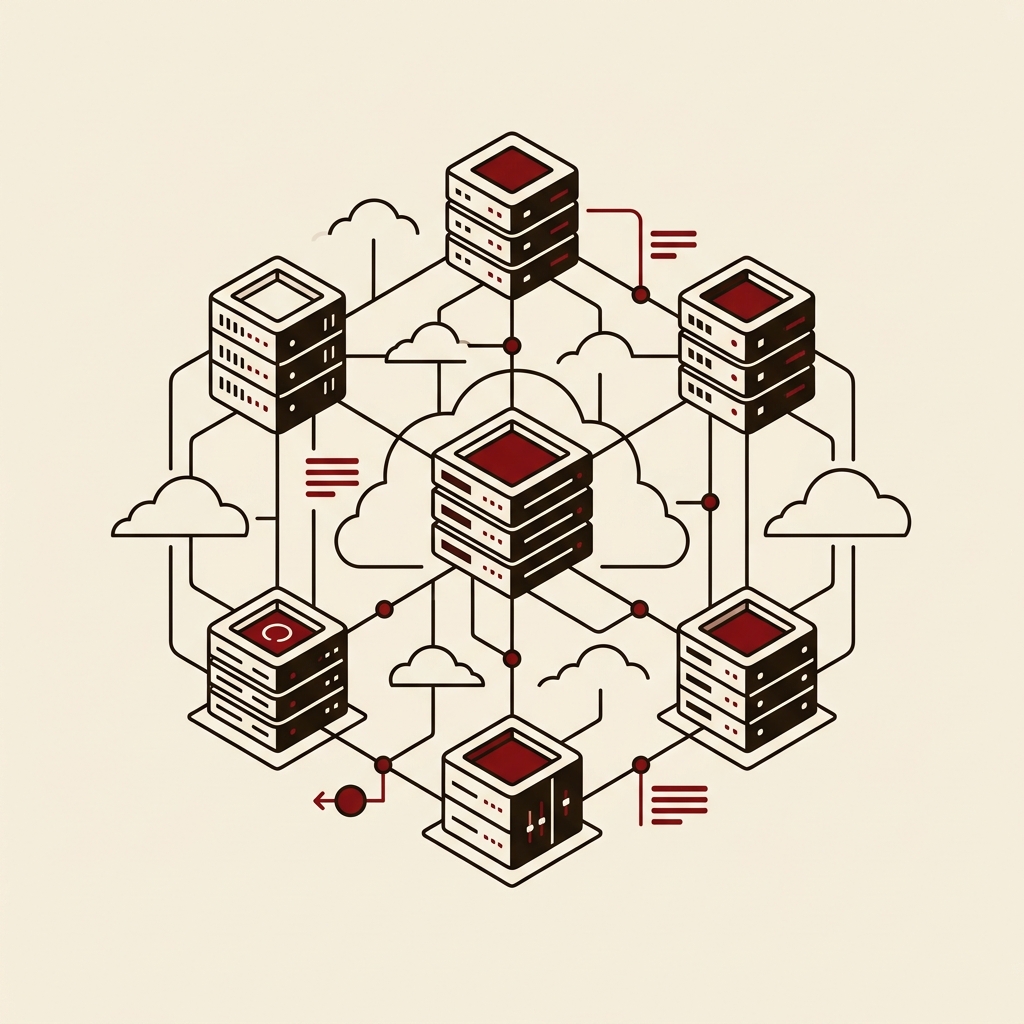
Learn how Atlas absorbs the operational burden of running MongoDB — replica set setup, backups, patching — and why Organization, Project, and Cluster should be the first three concepts you lock down. Covers competitor comparisons with AWS DocumentDB, Firestore, and DynamoDB, 2025–2026 changes (5x faster Auto-scaling, Vector Search GA, full CLI coverage), and a quick-start walkthrough to your first M0 cluster.
Series
- Part 1 ← You are here | Concepts, architecture, and why Atlas matters
- Part 2 | Cluster Design Strategy — Serverless vs Dedicated vs Free Tier
- Part 3 | Security, Networking, and Access Control
- Part 4 | Performance Optimization — Indexing, Query Tuning, Auto-scaling
- Part 5 | Atlas in the AI Era — Vector Search, Stream Processing, RAG Pipelines
Table of Contents
- How Atlas Came to Be
- MongoDB Atlas Core Architecture
- The Three-Tier Hierarchy
- Competitor Comparison
- 2025–2026 Changes — What's New
- Quick Start: Your First Cluster
- Practical application notes
1. How Atlas Came to Be
MongoDB launched in 2009 as an open-source, schema-flexible NoSQL database and quickly won over the developer community. But running MongoDB yourself was never simple.
Configuring replica sets, designing sharding strategies, managing backup schedules, safely applying version patches — all of that fell on the operations team. Add monitoring, incident response, and capacity planning to the mix, and a non-trivial slice of engineering effort went into operating the database rather than building the product.
MongoDB Atlas launched in 2016 to solve exactly that problem. The core philosophy is straightforward:
"We run the database, you focus on the app."
By 2025–2026, Atlas has grown well beyond a DBaaS (Database as a Service). It now encompasses vector search, stream processing, and AI pipeline tooling — a full data platform. The shift from "hosted MongoDB" to Control Plane-driven automation that absorbs entire operational workflows is the fundamental change worth understanding.
2. MongoDB Atlas Core Architecture
Atlas runs on AWS, Google Cloud, and Azure. Users interact with a central Control Plane and never need to worry about which cloud hosts their data.
Four components define how Atlas works:
| Component | Role |
|---|---|
| Replica Set | Default 3-node configuration. Automatic failover when Primary fails |
| Atlas Control Plane | The brain: provisioning, monitoring, and automation |
| Atlas Data Plane | Cloud VMs where your data actually lives |
| Atlas Agent | Lightweight process on each node, reports state to Control Plane |
The Control Plane is the key. Cluster creation, scale up and down, backup execution, patch application, fault detection, and recovery — all of these operational actions run through the Control Plane. Users express intent through the API or UI; Atlas executes.
Atlas Agent is a lightweight process installed on each Data Plane node. It streams health metrics to the Control Plane and acts on Control Plane instructions locally. This is why you never need to SSH into your database servers.
3. The Three-Tier Hierarchy
The most common source of confusion when first using Atlas is the Organization → Project → Cluster hierarchy. Each tier has a distinct responsibility, and understanding the distinction upfront saves a lot of misconfigured permissions later.
Organization — Billing and Member Management
The Organization is the top-level unit. You invite team members here, register billing information, and apply SSO or organization-wide access policies. Think of it as one per company.
Project — Security and Network Policy Boundary
A Project is a security boundary. IP Access Lists, database users, network peering, and VPC configuration are all scoped to a Project. Separating environments (dev / staging / prod) into distinct Projects is the standard recommended pattern.
In 2025, Atlas introduced Atlas Resource Policies, allowing organizations to enforce cluster configuration standards at the org level — for example, preventing clusters below a minimum instance size in production Projects, or requiring backup to always be enabled.
Cluster — The Actual MongoDB Runtime
A Cluster is where MongoDB actually runs. The default is a 3-node Replica Set. Node count, instance size, region, and cloud provider are chosen at this level. Auto-scaling also operates at the Cluster level.
4. Competitor Comparison
The right answer to "why use Atlas?" is not "Atlas is always better" — it's about knowing the conditions under which Atlas wins.
| Item | MongoDB Atlas | AWS DocumentDB | Google Firestore | Amazon DynamoDB |
|---|---|---|---|---|
| Data model | Document (JSON) | Document (MongoDB-compatible) | Document (JSON) | Key-Value / Document |
| Full MongoDB compatibility | Complete | Partial | None | None |
| Multi-cloud | AWS / GCP / Azure | AWS only | GCP only | AWS only |
| Vector Search | GA (2025) | Not supported | Limited | Not supported |
| Stream Processing | Atlas Streams | Not supported | Not supported | Not supported |
| Query flexibility | Very high | High | Medium | Low |
| Pricing model | Cluster size / Serverless | Instance-based | Read/write units | Read/write units |
AWS DocumentDB claims MongoDB compatibility, but it does not fully support all aggregation pipeline operators or certain driver features. Teams migrating an existing MongoDB application without code changes, or relying heavily on the aggregation pipeline, should validate compatibility gaps in staging before committing.
Atlas is the stronger choice when:
- The team needs the genuine MongoDB ecosystem (drivers, aggregation, Change Streams)
- Multi-cloud portability is a requirement
- Vector Search and Stream Processing need to run on the same platform
Other options are worth considering when:
- The workload is primarily simple key-value patterns and DynamoDB's serverless model is more cost-effective
- The team is deeply invested in GCP and needs Firestore's mobile SDK ecosystem
5. 2025–2026 Changes — What's New
Since 2025, Atlas has seen significant changes on both the operational and AI fronts.
UI/UX Redesign (April 2025)
The first major navigation overhaul in roughly five years. The cluster-centric layout was replaced by a workflow-centric design, dramatically improving access to Search, Charts, and Stream Processing.
5x Faster Auto-scaling
Auto-scaling for M10 and M20 clusters now responds to resource demand up to 5x faster. This is a meaningful improvement for workloads with intermittent traffic spikes.
Full Atlas CLI API Coverage (June 2025)
Every function in the Atlas Administration API is now accessible via the CLI. Because the CLI is auto-generated from the OpenAPI spec, new features reach the CLI within days of release. This makes managing Atlas through GitOps pipelines considerably more natural.
Vector Search and Auto-Embedding GA
Vector search and automatic embedding generation are now available natively inside MongoDB Atlas — no external vector database (Pinecone, Weaviate, etc.) required. The autoEmbed field type and Voyage AI model integration were introduced. Teams building RAG pipelines on MongoDB now have a consolidated path.
Azure Key Vault Secretless Authentication
Instead of static credentials, Atlas now integrates with Azure Key Vault using short-lived OAuth 2.0 tokens managed through Azure Entra ID. This removes the need for long-lived secrets in enterprises with strict secret storage policies.
6. Quick Start: Your First Cluster
Let's create a free M0 cluster and verify connectivity from Node.js. The configuration shown here is for quick-start purposes only. Production security, cost optimization, and cluster sizing are covered in Parts 2, 3, and 4.
Step 1: Sign Up and Create a Project
- Go to
cloud.mongodb.comand sign up with a Google account (recommended) - Set an Organization name and a Project name
- On first login, Atlas immediately prompts you to create a free cluster
Step 2: Create a Cluster (via Atlas CLI)
# Log in to Atlas CLI
atlas auth login

# Create an M0 Free Tier cluster (MongoDB 8.x)
atlas clusters create myFirstCluster \
  --provider AWS \
  --region AP_NORTHEAST_1 \
  --tier M0 \
  --mdbVersion 8.0
The same flow works from the UI: Create Cluster → M0 Free → AWS → Seoul (ap-northeast-2).
An M0 cluster in the Seoul region provides 512 MB of storage and shared RAM. Use it for development and learning only — it is not suitable for production.
Step 3: Create a Database User
atlas dbusers create \
  --username myUser \
  --password "SecurePass123!" \
  --role readWriteAnyDatabase
In production, apply the Least Privilege principle: grant access only to the specific databases and collections each user needs. The readWriteAnyDatabase role used here grants full access and is for quick-start purposes only.
Step 4: Register an IP Access List Entry
# Automatically register your current IP
atlas accessLists create --currentIp
The IP Access List is managed at the Project level. Use 0.0.0.0/0 (Allow Access from Anywhere) only temporarily during quick start. In production, restrict to a VPC peering connection or specific IP ranges.
Step 5: Test the Connection (Node.js)
const { MongoClient, ServerApiVersion } = require('mongodb');

const uri = "mongodb+srv://myUser:<password>@myfirstcluster.xxxxx.mongodb.net/";

const client = new MongoClient(uri, {
  serverApi: {
    version: ServerApiVersion.v1,
    strict: true,
    deprecationErrors: true,
  }
});

async function run() {
  try {
    await client.connect();
    await client.db("admin").command({ ping: 1 });
    console.log("MongoDB Atlas connection successful");
  } finally {
    await client.close();
  }
}

run().catch(console.dir);
The connection string is auto-generated from Connect → Drivers in the Atlas UI. Replace <password> with the value set in Step 3.
Part 1 Summary
| Key Point | Detail |
|---|---|
| Atlas = DBaaS + data platform | Extends beyond DB hosting to AI and streaming |
| Three-tier hierarchy | Organization (billing) → Project (security) → Cluster (runtime) |
| Multi-cloud | AWS, GCP, and Azure supported simultaneously |
| 2025 key changes | UI redesign · full CLI coverage · Vector Search GA · 5x faster Auto-scaling |
| Low entry barrier | Start with a free M0 cluster in minutes |